Inside the App for n8n's First Official Conference, 'In The Loop 2026': Fliplet Low-Code and the Design of Node Runner Gamification
From October 13 to 14, 2026, n8n holds 'In The Loop 2026' in Berlin, Germany: the first official large-scale in-person conference in the company's history. Ahead of the event, which brings together around 1,200 automation builders from around the world, I connected the official mobile app to my Android phone over wireless ADB and took it apart. Two things stood out. Instead of a native app, it's built on the enterprise low-code platform Fliplet Hub, with real-time OTA updates that skip store review (v51) and dynamic floorplan pinpointing. And it uses 'Node Runner' gamification, where you hunt for node QR codes hidden around the venue to level up a workflow.
- Event overview & agenda: the schedule of the first n8n conference at Wilhelm Studios in Berlin (Partner Day & Ecosystem Day) and the key talk tracks
- Deployment architecture (Fliplet & OTA): a low-code hybrid container that pushes on-site changes within seconds, no app store review
- Context-linked floorplan: location pinpointing UX that jumps from session cards and the networking concierge straight to the venue map (Hall B and C)
- 'Node Runner' gamification: an engagement design where you roam the venue scanning node QR codes to build workflows and earn swag
- Global enterprise sponsors: global companies such as SAP, Accenture and Capgemini that show where n8n now stands
Background: n8n's first official in-person conference
If n8n is your main tool for real-world automation and building agents, In The Loop 2026 is the event to watch this fall. Held over two days, October 13 to 14, at Wilhelm Studios, a historic industrial space in Berlin, it's the first official large-scale in-person event hosted by n8n itself.
The event is split into two tracks:
- October 13 (Partner Day): invitation-only sessions for global solution partners and ambassadors
- October 14 (Ecosystem Day): open sessions where around 1,200 ticket-holding builders gather for the product vision, the AI agent roadmap and workshops
After registering, I installed the official app on a device, then captured screens and interacted with it over wireless ADB to study the details of how a mobile app for a developer event is designed.
1. Deployment architecture: why Fliplet low-code instead of native?
The first thing I noticed on launching the app was this message on the splash screen: "Content update was found. The update will start in a second."
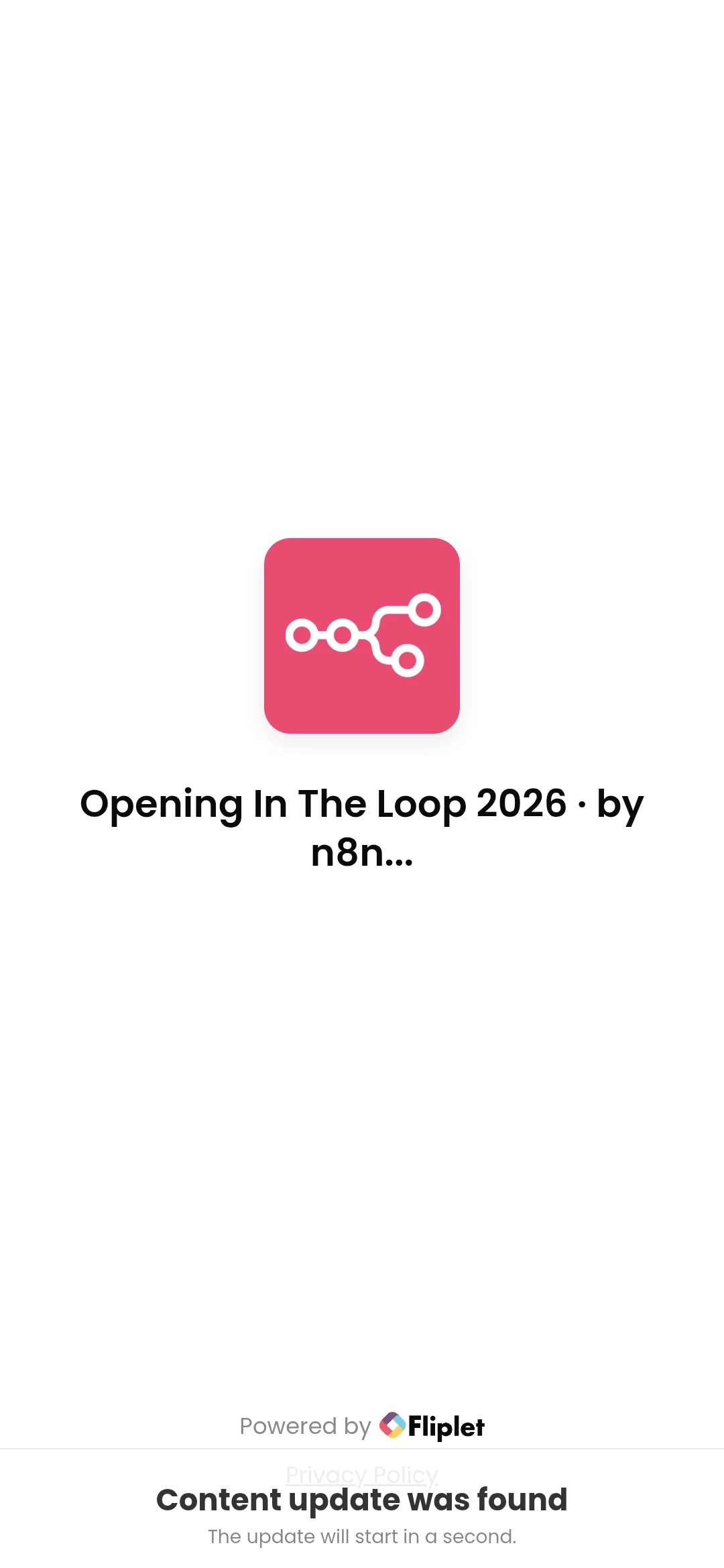
Figure 1. The splash screen right after launch, detecting and downloading the latest content update
When building a dedicated app for a big conference, many teams build a native app in React Native or Flutter and ship it to the App Store and Google Play. But an in-person conference is an extreme real-time environment where the schedule changes on the day, booths get moved, and urgent announcements come up constantly. If app store review takes 24-48 hours, you can't respond to emergencies on site.
Opening the app info (About this app) made the reason for this architecture clear.
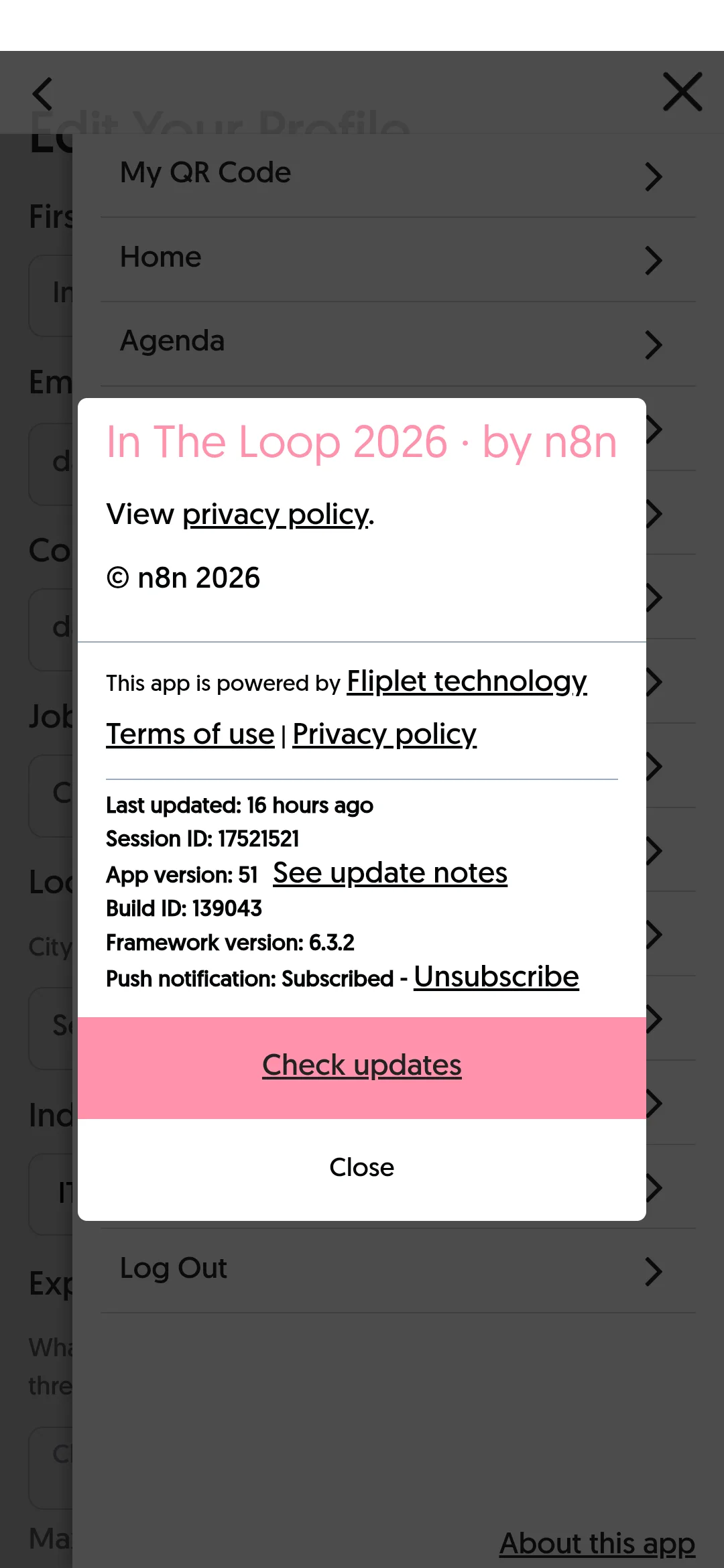
Figure 2. Info based on Fliplet framework 6.3.2, including the session ID, build ID and an OTA update check.
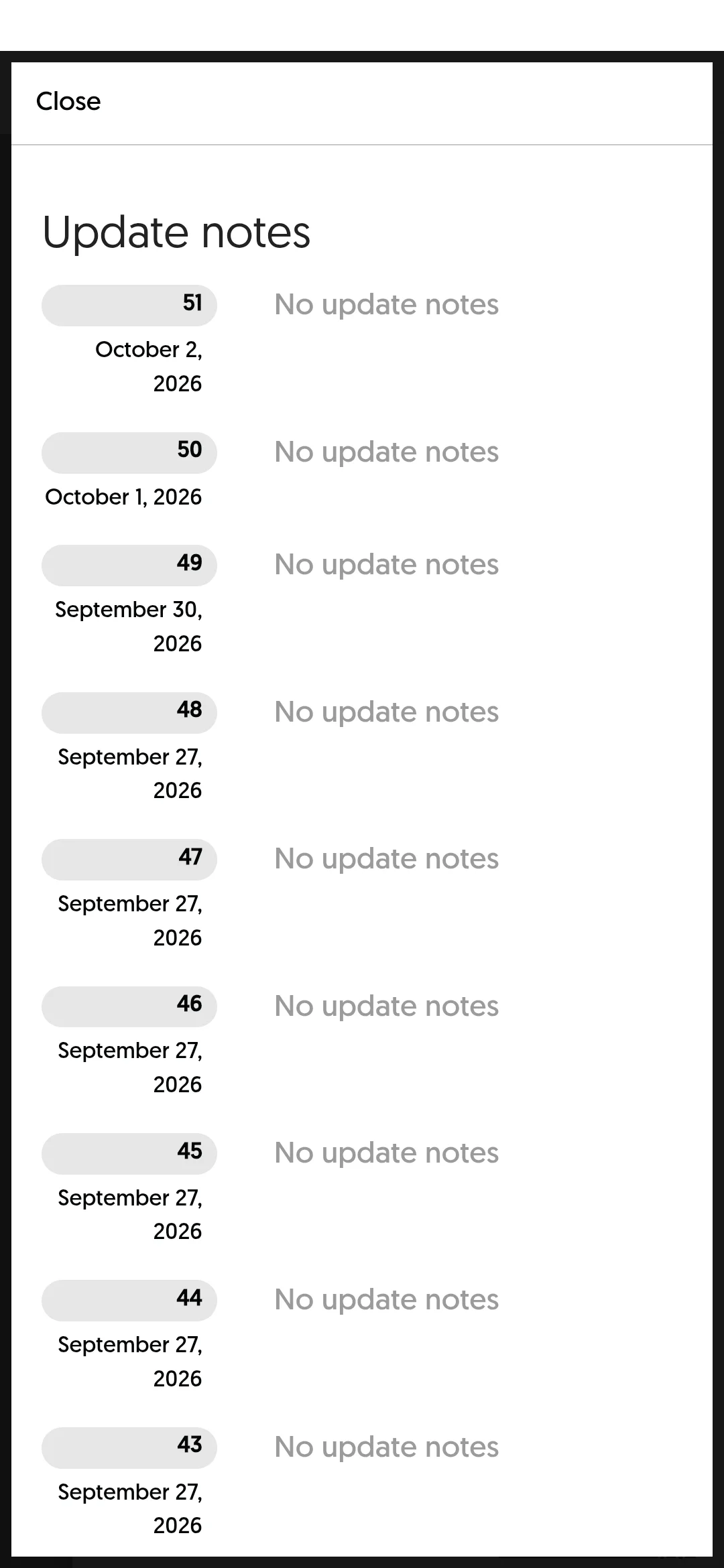
Figure 3. Update history from version 43 to 51, deployed instantly over a few days without app store re-review
The n8n team used Fliplet Hub, an enterprise low-code/no-code mobile platform.
- Native hybrid container: supports QR scanning via camera permission, offline caching and push notifications, while
- Web-based real-time OTA (Over-The-Air) deployment: refreshes HTML/JS/CSS assets and the database instantly without redeploying to the app store.
- As the screenshot above shows, in just a few days from September 27 to October 2, 8 updates from v43 to v51 were pushed straight to attendees' devices with no review.
2. The home dashboard and the full 15-item menu
After dismissing the pop-up notice, the home screen packs an attendee's on-site journey down to the essentials.
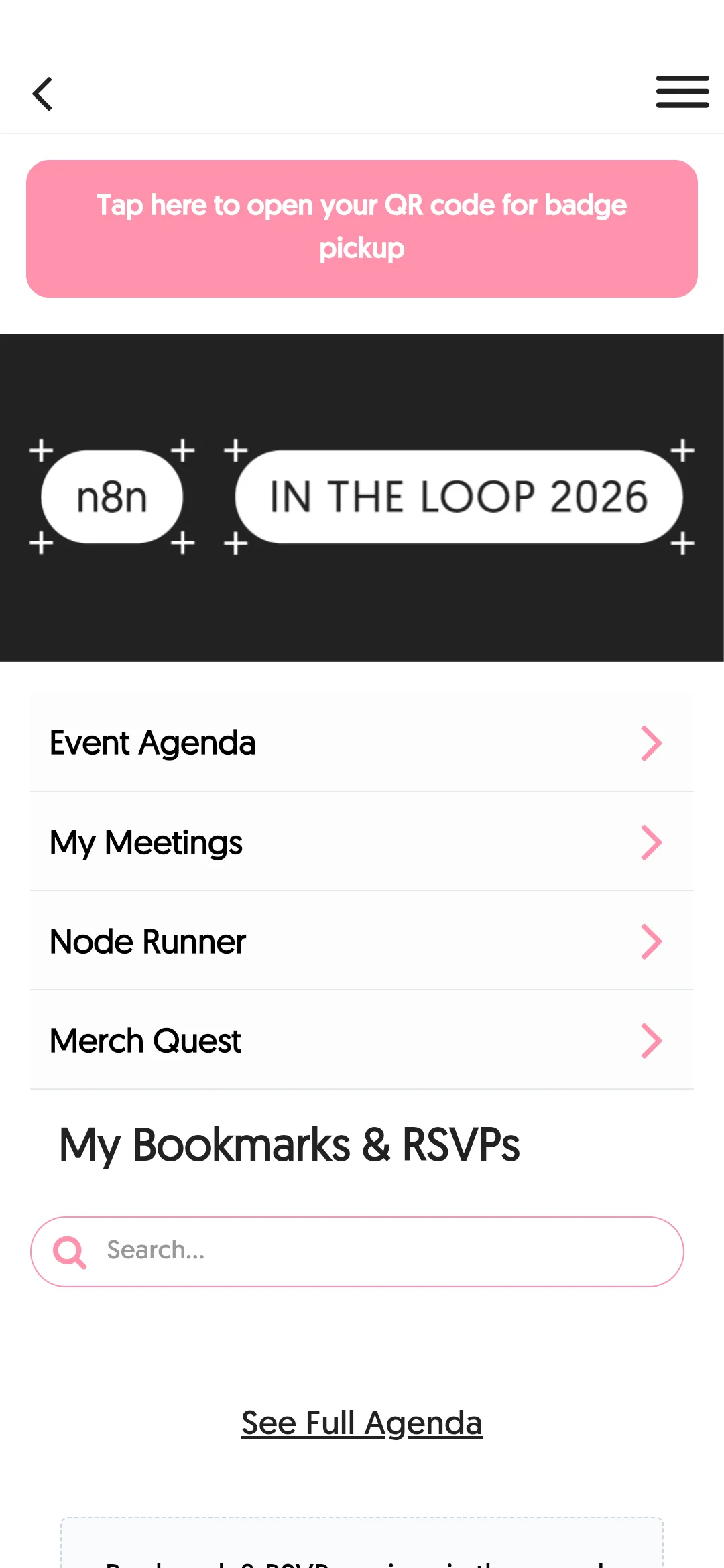
Figure 4. A badge pickup QR banner at the top, four core feature cards, and a personalized list of bookmarked agenda items
- Pink banner at the top: one tap opens the
QR code for badge pickupto show staff as soon as you arrive. - Core quick menu: jumps straight to the four main features:
Event Agenda,My Meetings,Node RunnerandMerch Quest. - Personalized section: your saved sessions and RSVPs show up right at the bottom of the home screen.
Tap the hamburger menu in the top right and you can see the structure of all 15 features plus the app details at a glance.
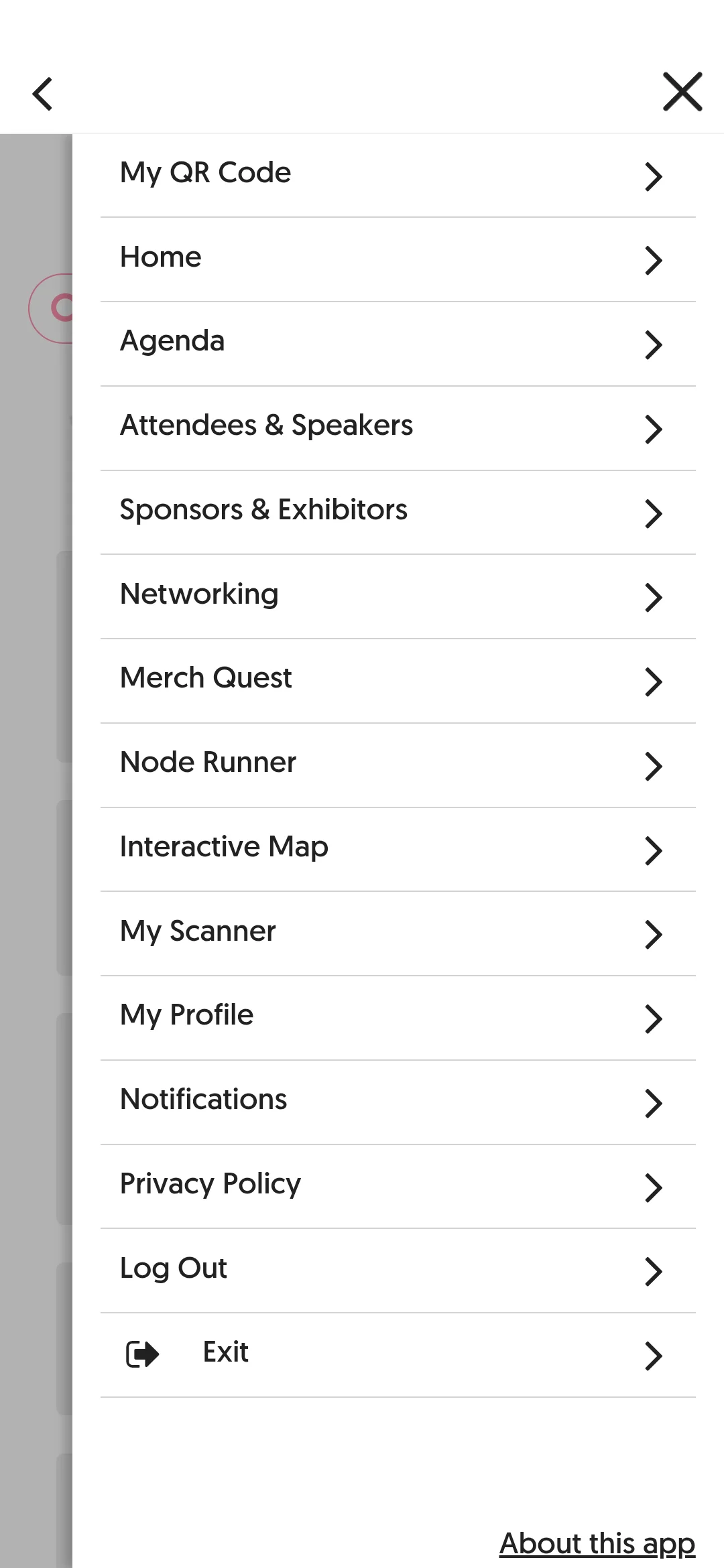
Figure 5. The full 15-item menu drawer, covering networking, maps, gamification, scanner and operations
- Attendee identity & profile: My QR Code (for badge pickup and networking), My Profile (organization, title, areas of expertise)
- Exploring the event: Agenda (sessions by day and stage), Attendees & Speakers (attendee and speaker directory), Sponsors & Exhibitors (sponsors and booth partners), Interactive Map (Wilhelm Studios floorplan)
- Interaction & networking: Networking (1:1 meetings and the networking concierge), My Scanner (camera scanner for badge QR and node QR codes)
- Gamification: Node Runner (exploring nodes around the venue and building workflows), Merch Quest (swag race and merch redemption)
- Operations & session management: Notifications (on-site announcements), Privacy Policy (external link to n8n's official privacy policy), Log Out (sign out of the attendee session), Exit (return to the main Fliplet Hub container)
- Footer: About this app (Fliplet platform build info and real-time OTA release notes)
3. Agenda and session tracks: a peek at n8n's next roadmap
The agenda tab lays out a timeline from October 11 to 15 along with session lists by stage.
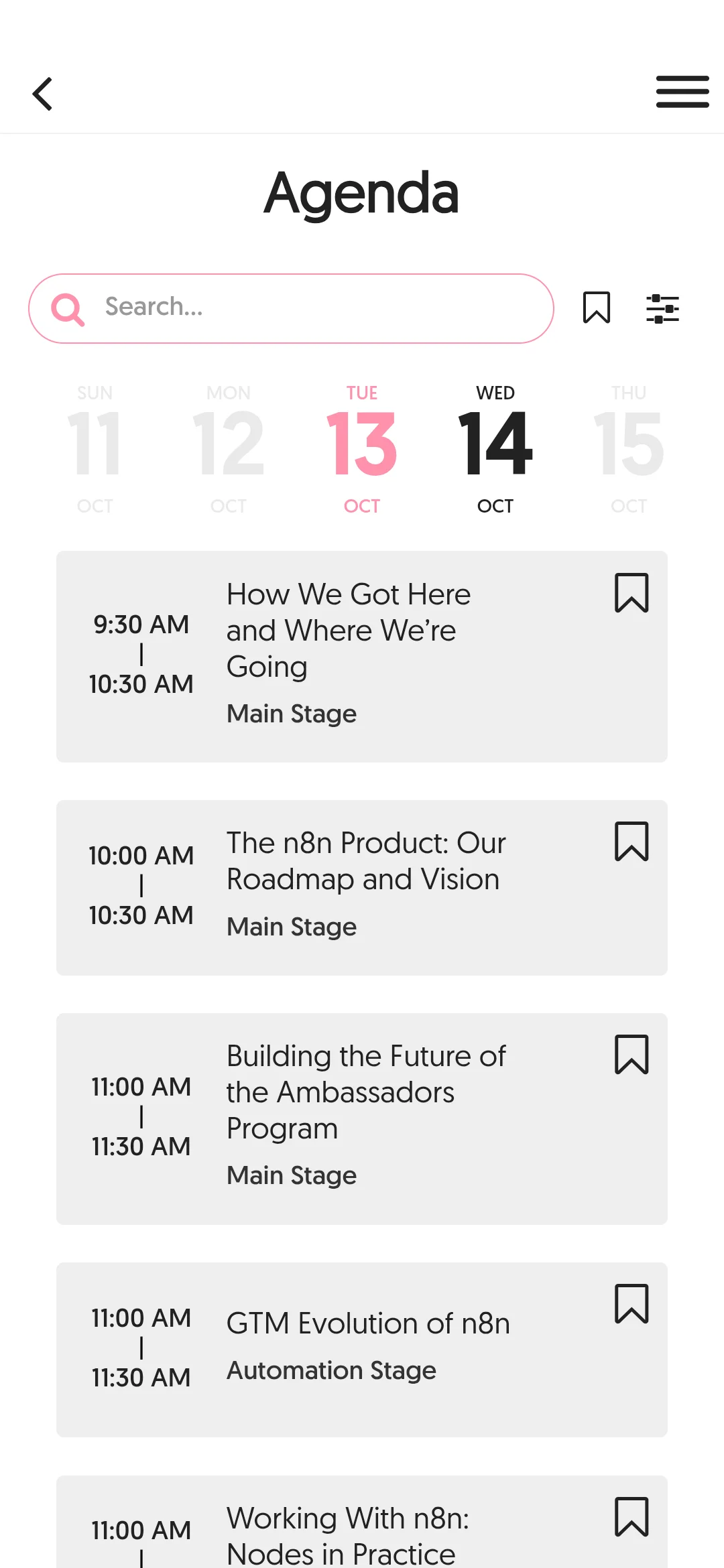
Figure 6. Sessions sorted by stage: Main Stage, Automation Stage, Builders Stage and more
The conference runs on three main stages:
- Main Stage: keynotes and strategic product vision
- Automation Stage: business GTM and enterprise solution partner adoption stories
- Builders Stage: hands-on node development and practitioner-focused workflow techniques
Among the published session titles, several stood out as hints about where the n8n ecosystem is going:
- "The n8n Product: Our Roadmap and Vision": the next product roadmap, straight from the n8n core team
- "Building the Future of the Ambassadors Program": the strategy for growing the global community and ambassador ecosystem
- "GTM Evolution of n8n": the growth formula behind the move from open source into the enterprise B2B market
- "Working With n8n: Nodes in Practice": practical node use and custom node development
- "Lessons From Canva With Gonzalo Rosado": how the global design platform Canva uses n8n
Tap a session and a bottom sheet slides up with details, track tags and a shortcut to the venue Floorplan.
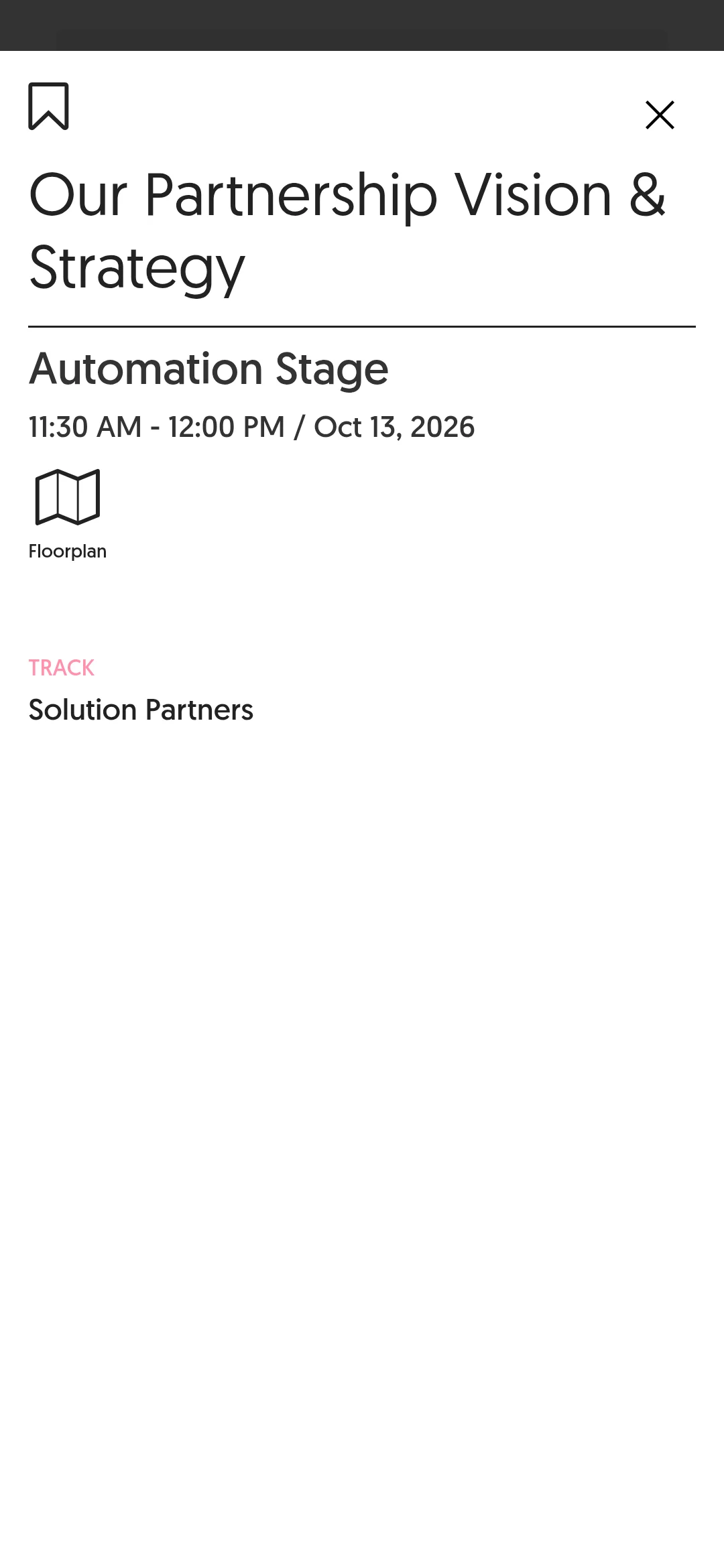
Figure 7. Session detail card: stage location, time, track tags and a Floorplan shortcut button
4. Dynamic floorplan: UX that ties sessions and the map together
The most common annoyance at a conference is opening a separate map and wandering around trying to figure out which stage the session that's starting right now is on.
In the In The Loop app, tapping the Floorplan icon on a session card, or Networking Concierge on the networking screen, switches straight to the venue map (Hall B, Hall C) and automatically highlights the location with a pulse-ring pin.
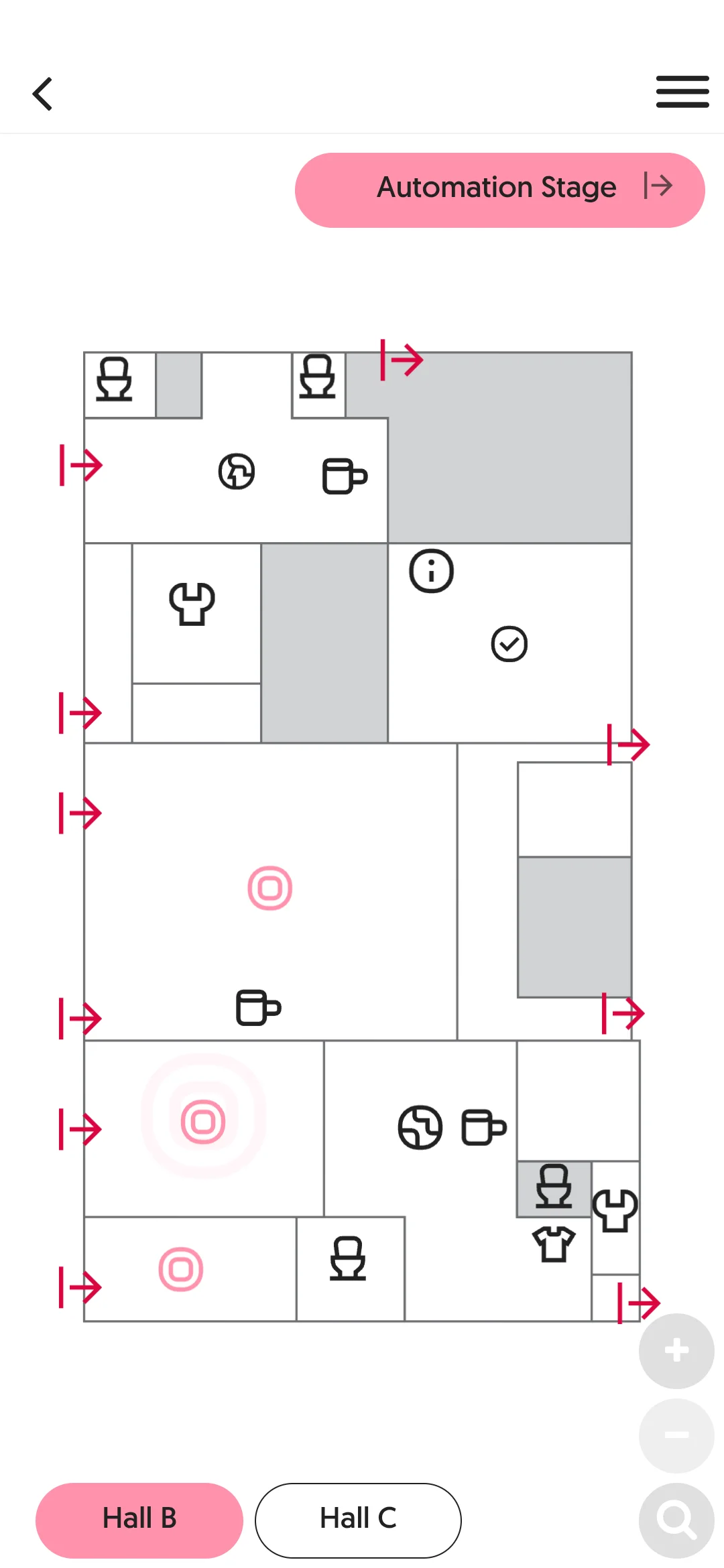
Figure 8. Hall B floorplan: stage locations (such as the Automation Stage), booths and lounge areas are marked with pins.
Tabs at the bottom of the map let you move between floors and halls (Hall B ↔ Hall C), and you can zoom and filter for specific facilities (restrooms, coffee stations, the merch booth). Instead of a heavy 3D map renderer, it hooks a lightweight vector-based interactive SVG map into a low-code component, and it ran smoothly without stutter on any device.
5. The highlight: 'Node Runner' and 'Merch Quest' gamification
By far the most interesting parts of this app were the Node Runner and Merch Quest screens.
Most conferences run an ordinary stamp tour where you collect stamps at booths, or hand out stickers and merch for filling in a survey. n8n instead turned its core identity, 'connecting nodes', into an in-person experience.
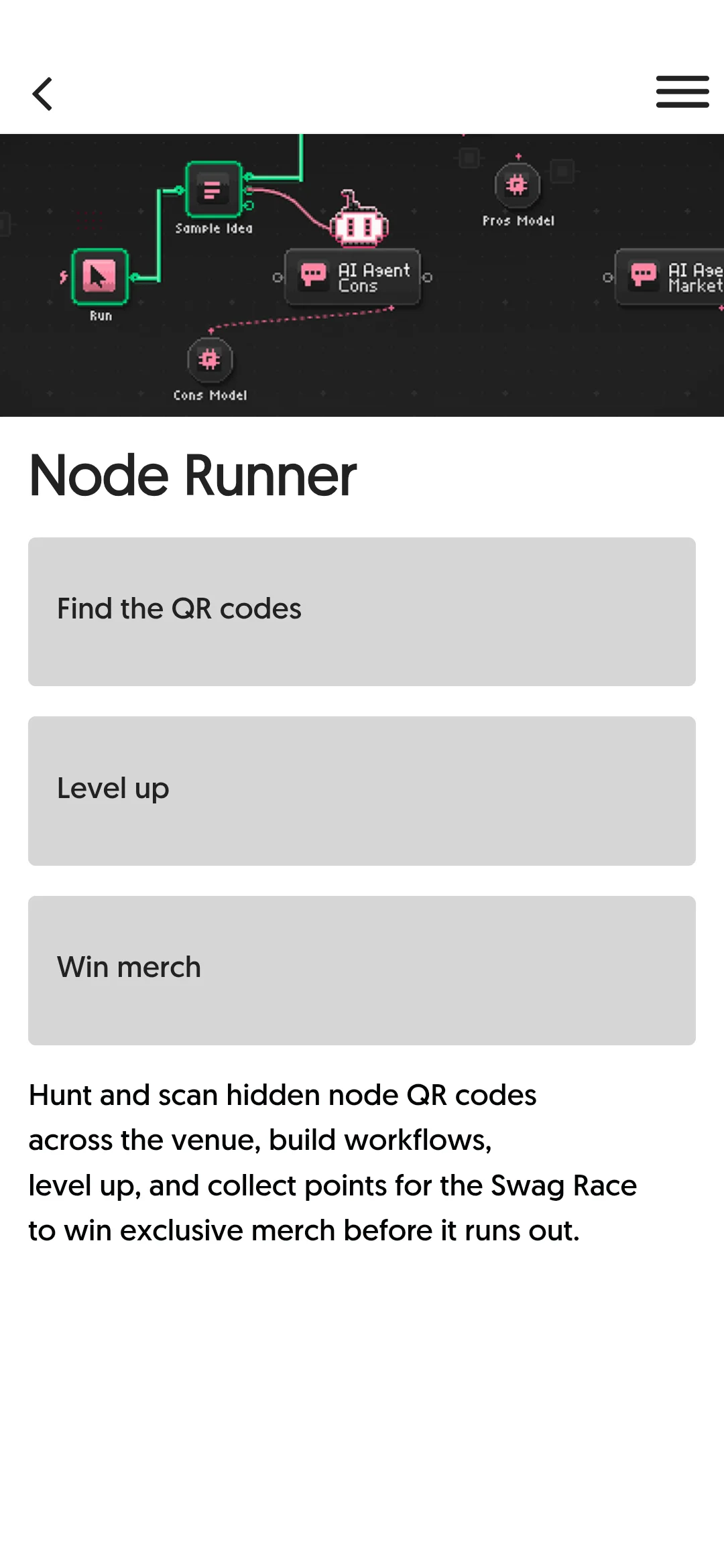
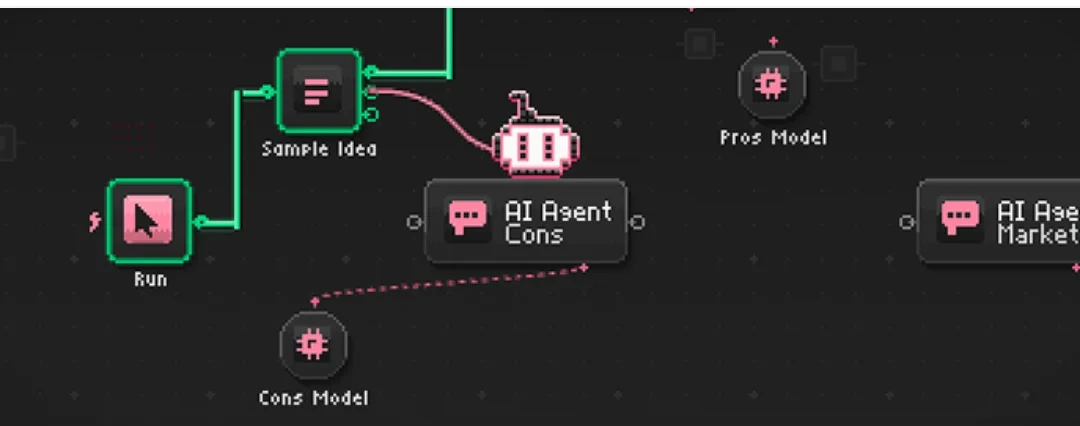
Figure 9. Node Runner: an n8n workflow canvas banner drawn in retro 8-bit pixel art
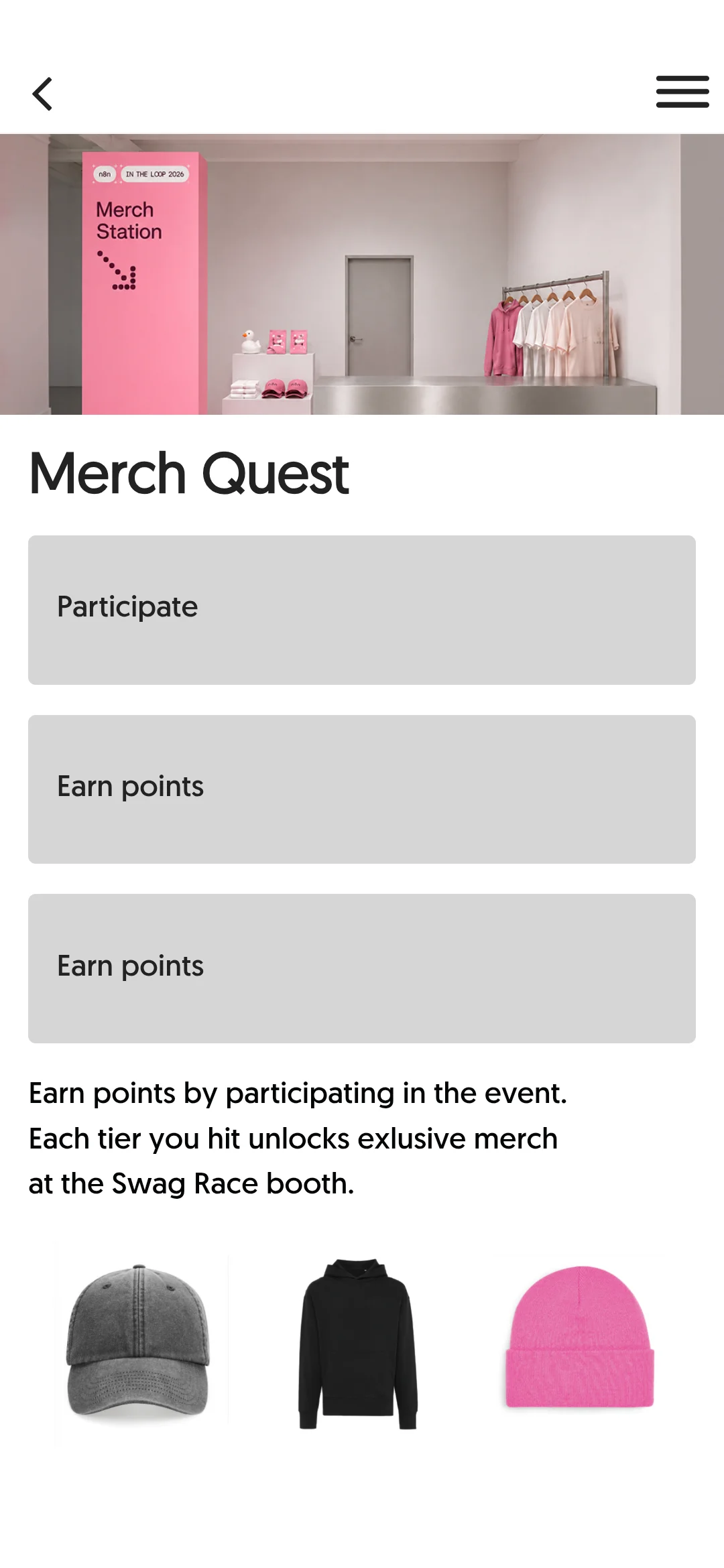
Figure 10. Merch Quest: limited-edition swag (cap, hoodie, beanie) unlocked with on-site participation points
How Node Runner works
- Find the QR codes: hunt for the various node QR codes hidden in every corner of the Wilhelm Studios venue.
- Level up (Build workflows): scan a QR code with the app's built-in camera scanner (
My Scanner) and the node is added to your inventory; combining nodes to complete virtual workflows raises your level. - Win merch (Swag Race): earn points by leveling up, then unlock and collect limited-edition merch for each tier (ball cap, hoodie, beanie and so on) at the Swag Race booth before it runs out.
The 8-bit pixel n8n workflow in the top banner (Run ➔ Sample Idea ➔ AI Agent Cons ➔ Cons Model / AI Agent Market) nails n8n's particular geeky sensibility.
It's a clever design: instead of wandering the venue as a passive visitor, attendees become "players collecting nodes" and naturally end up visiting every sponsor booth and every corner of every stage.
6. The attendee directory and enterprise partners
The networking and sponsor screens also show how mature the n8n ecosystem has become.
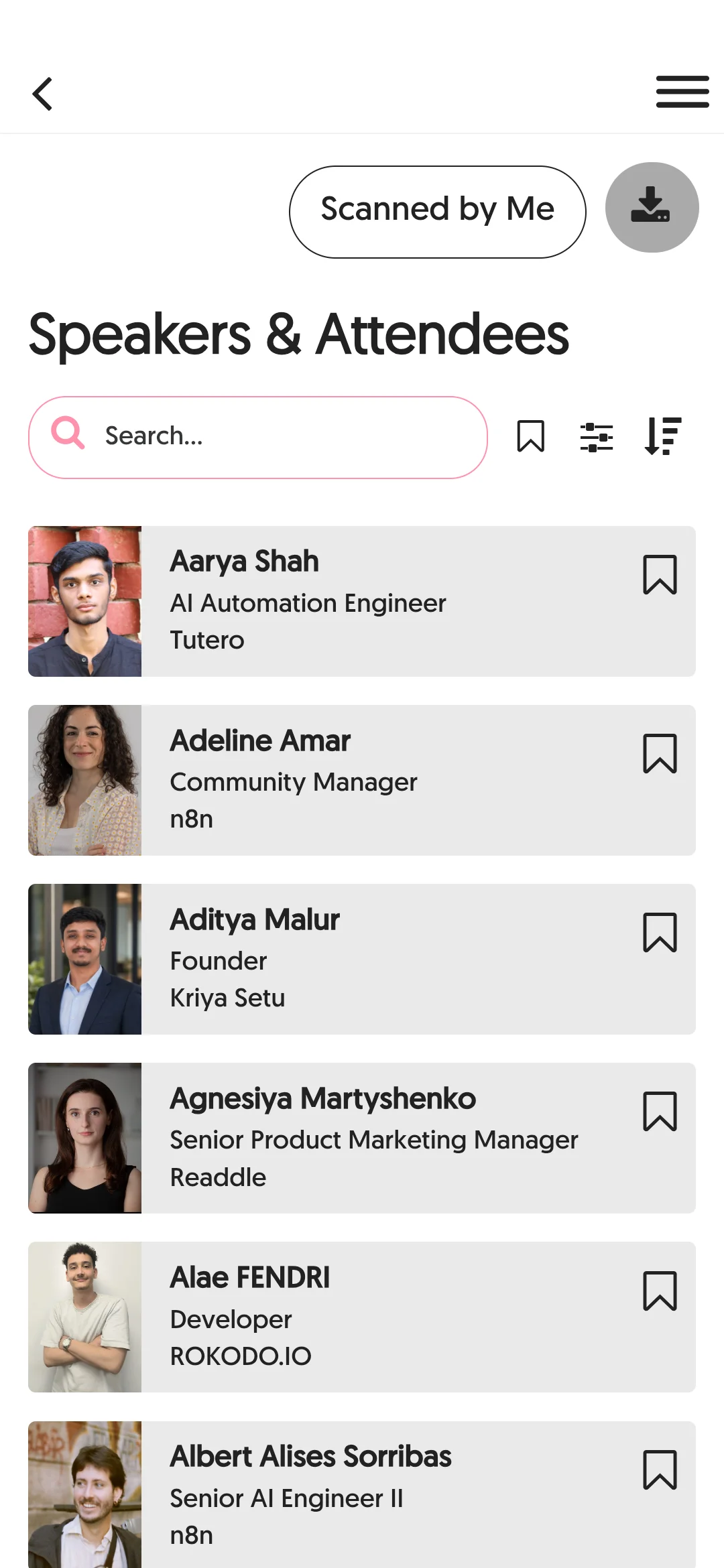
Figure 11. Attendee and speaker list: a filter for people you've scanned, search, bookmarks and linked profile details
In the attendee list, you can scan the badge QR code of someone you talked to on site and collect them under Scanned by Me, then export the full list as CSV/data after the event. Speaker profiles link directly to the sessions that speaker is running and to their LinkedIn profile, which keeps networking going naturally before and after the event.
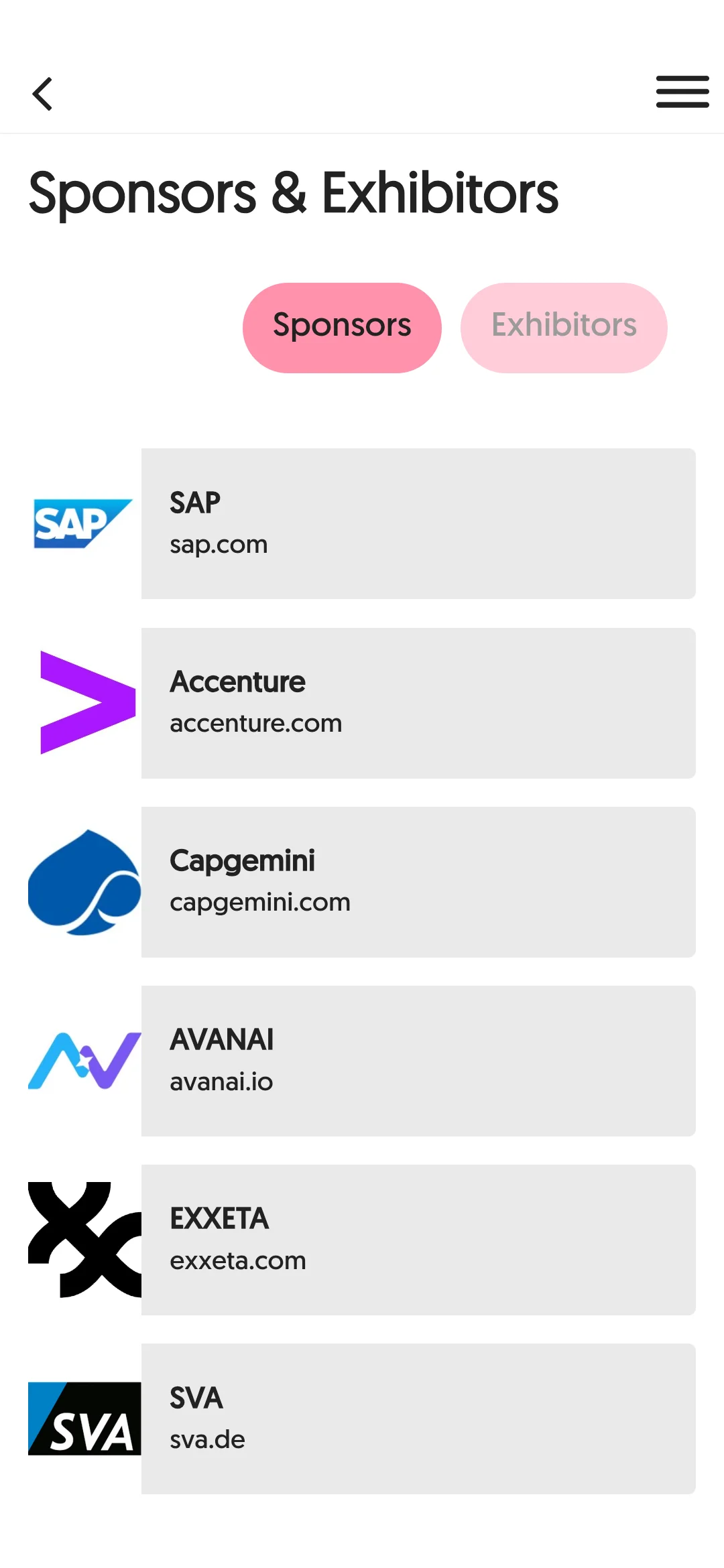
Figure 12. The global enterprise sponsor lineup (SAP, Accenture, Capgemini, AVANAI, EXXETA, SVA)
The sponsor list includes top-tier global enterprise IT and consulting firms such as SAP, Accenture and Capgemini as main partners. It's a strong signal that n8n has grown beyond a local automation tool for individual developers into an orchestration engine for the core business processes of large global companies.
Takeaways: 3 lessons for designing conference and community apps
Here are the practical lessons from exploring the app hands-on.
- What matters most in an event app is on-site response speed (OTA), not polish
- Native store apps struggle to reflect same-day changes because of review delays.
- Low-code webview containers like Fliplet use hardware sensors (camera QR, push notifications) while also enabling updates within seconds via real-time OTA (v43-v51), which drastically lowers on-site operational risk.
- Gamification should match the product's core grammar
- Rather than the usual check-in stamp tour, it applies a grammar unique to n8n, "find node QR codes around the venue and complete a workflow", which maximizes attendee engagement.
- Context linking removes breaks in navigation
- Smooth transitions from session info ➔ stage location pin ➔ real-time wayfinding greatly reduce the fatigue attendees feel at the venue.
Next steps
- Conference keynote analysis: I plan to quickly summarize and share the AI agent and official product roadmap n8n presents on site at In The Loop 2026 on October 13-14.
- Applying this to hands-on events: I plan to bring the same kind of QR node-collecting gamification and web-based on-site interaction design into the in-person hands-on AI seminars DataPopcorn runs in Korea (such as Waguwagu Club).